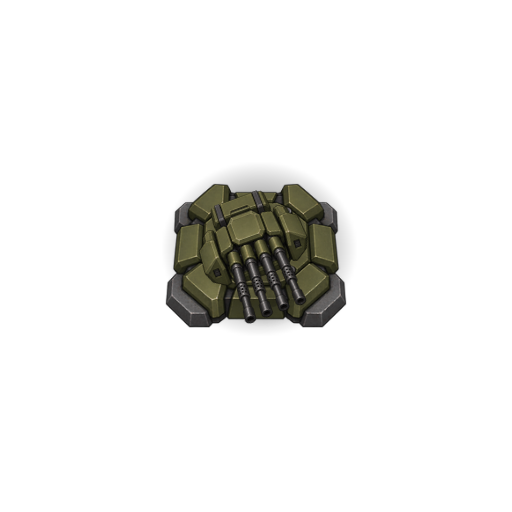
Gun Tower
Fires individual projectiles at the selected target. Its rotating gun follows the enemy.
In action
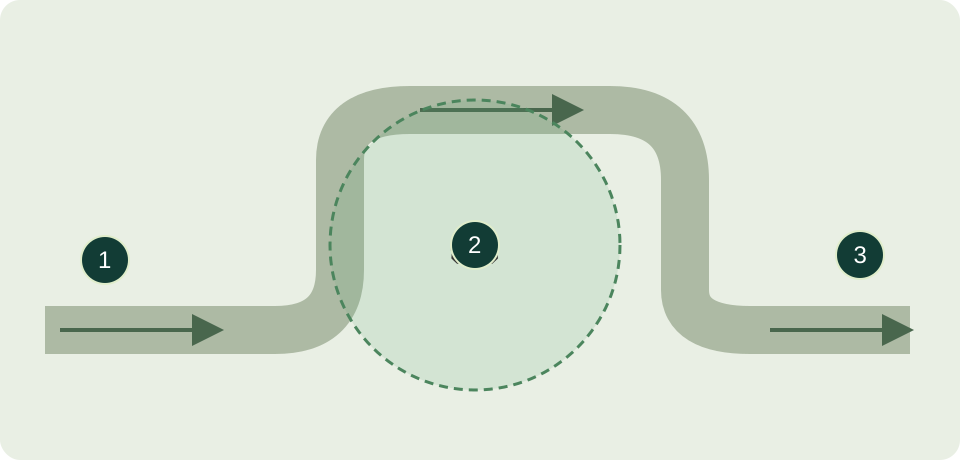
Cover a long bend to keep ground troops under fire longer. Choose “Closest to exit” when a breakthrough threatens.
Targets
Ground unitsShips
Defend the World / Mission briefing
Sir, you command Aegis Unit of the World Alliance. Your mission: defend our worlds, secure every map and let no enemy through. Your towers are your troops. Their positions, targets and upgrades are yours to decide.
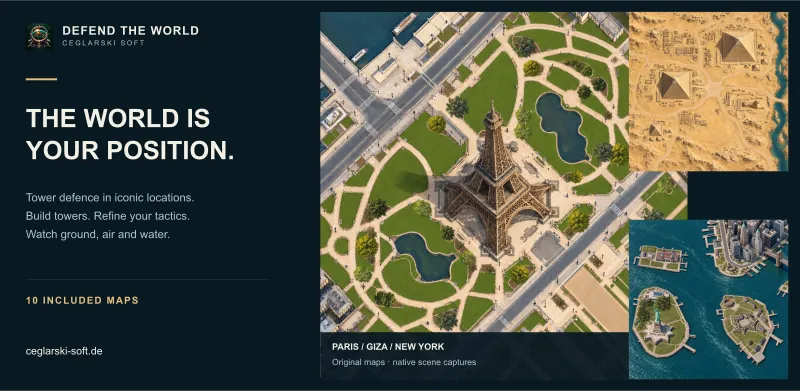
A story-led introduction. Controls describe the current development state; diagrams are simplified illustrations. The cover uses native map captures. Updated: 21 October 2026.
Enemies advance across the map towards the exit in waves. You do not control a single character: you build a defence that fights automatically. Escaping enemies cost lives. Run out of lives and the mission is lost. Survive every wave to defend the map. Watch your lives, current wave and money in the HUD.
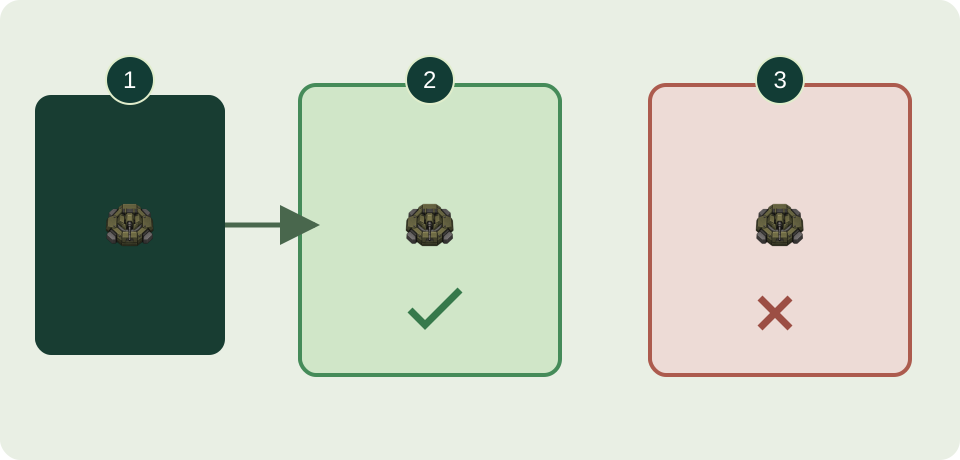
Press and hold an affordable tower’s button in the build menu. Drag it onto a free building spot and release. On PC use the left mouse button; on Android drag with one finger. A green preview means placement is valid; red means it is not. Towers must not overlap. You pay only for a valid placement. Releasing over an invalid spot cancels construction.
Click or tap a placed tower to select it. Its range indicator shows how much of the route it covers. Some towers also have a minimum range, leaving a nearby area they cannot hit. Good positions cover a long stretch or several parts of a route. Range alone is not enough: the tower must also support the enemy’s domain.
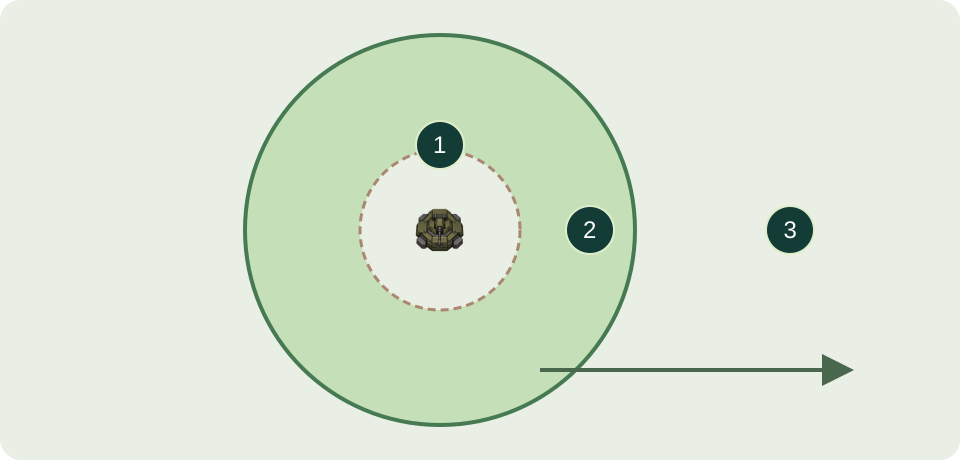
In the tower menu, set the priority of supported domains first: ground, air or sea. The targeting strategy then chooses among eligible enemies: fastest, slowest, nearest to the tower, nearest to the exit, weakest or strongest. Strength means remaining hit points. If a breakthrough is imminent, “Nearest to the exit” can help. Area fields affect all supported enemies in range and have no individual target selection.
Select a tower and check its level, cost and next-level preview in the menu. Start an upgrade when you have enough money. Construction and upgrades take time and progress only while the simulation is running. That tower does not fire during construction, so provide covering fire from others. While paused you can plan and place build orders; Play resumes construction progress.
The arsenal includes gun, artillery, laser, rocket, cooling and flame towers. Do not rely on the name alone: check supported domains, range, penetration and slowing in the tower menu. Combine suitable damage sources with slowing and cover the ground, air and sea enemies that actually appear.
Original game graphics showing an upgraded variant.
Fires individual projectiles at the selected target. Its rotating gun follows the enemy.
Cover a long bend to keep ground troops under fire longer. Choose “Closest to exit” when a breakthrough threatens.
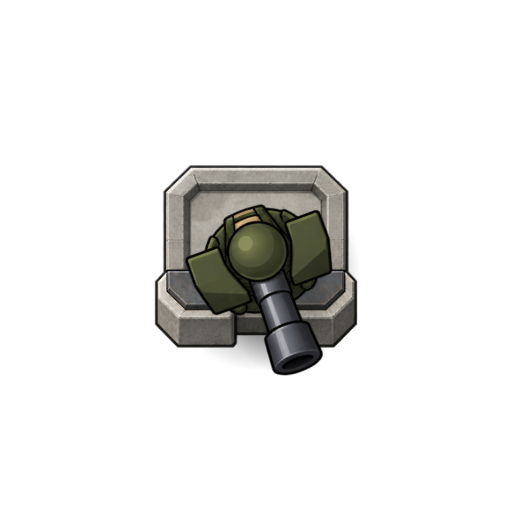
Launches artillery shells at distant target points. Impacts also hit nearby enemies; a minimum-range zone surrounds the tower.
Aim at dense vehicle groups on a distant road section. Add another tower to cover the minimum-range gap.
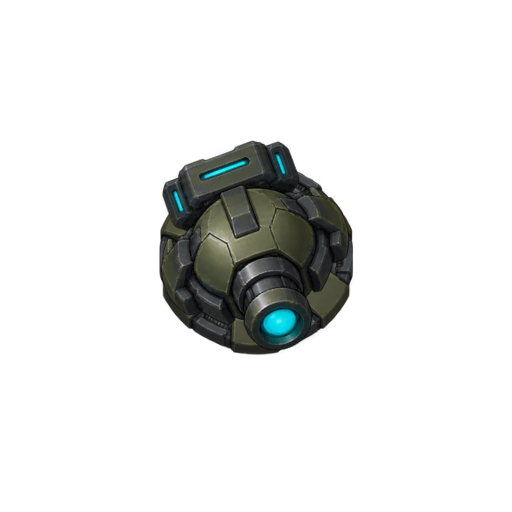
Keeps a laser beam on the selected enemy and deals damage while the beam connects.
A fast target evading straight rockets? The laser keeps its beam on it while it remains in range.
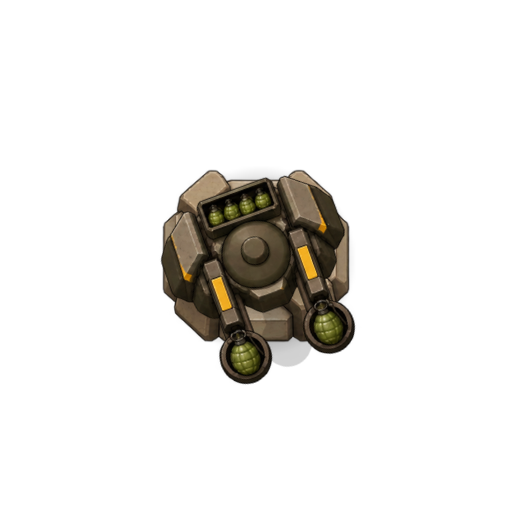
Throws grenades that explode after a delay once they land. The blast hits enemies around the grenade.
Cover a bend where groups bunch up. Allow for the delay after landing: a fast lone target may move away.
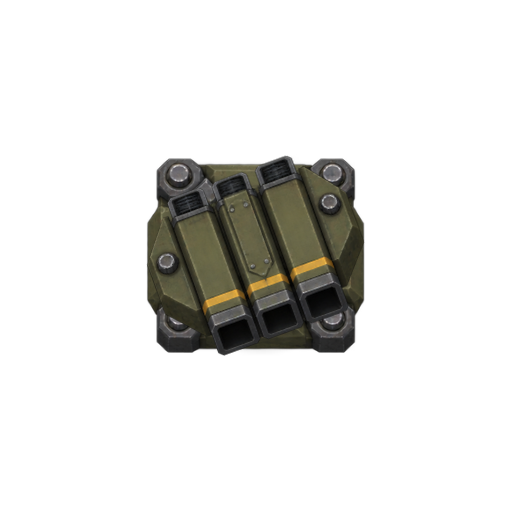
Fires fast, unguided rockets straight ahead. Upgrades launch several rockets together; they do not follow the target.
Straight flight or driving routes make hits easier. Set air priority if this tower should intercept aircraft first.
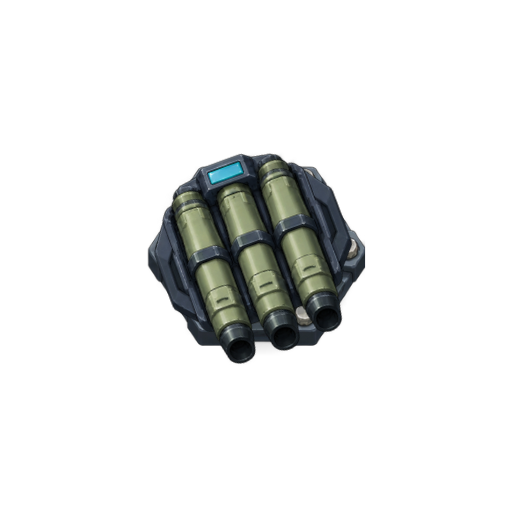
Launches a guided missile that follows its selected enemy. It explodes on impact and can only pursue the target for a limited time.
Tracking helps along winding routes. Set air priority to engage incoming aircraft before ground troops.
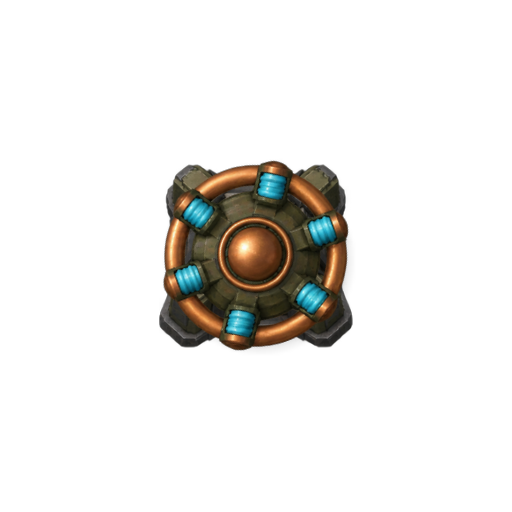
Creates an electrical field and strikes all eligible enemies inside with lightning. Its damage is shared between enemies in the field.
At a choke point, the field catches passing groups. Add guns, since the field’s damage is shared among its targets.
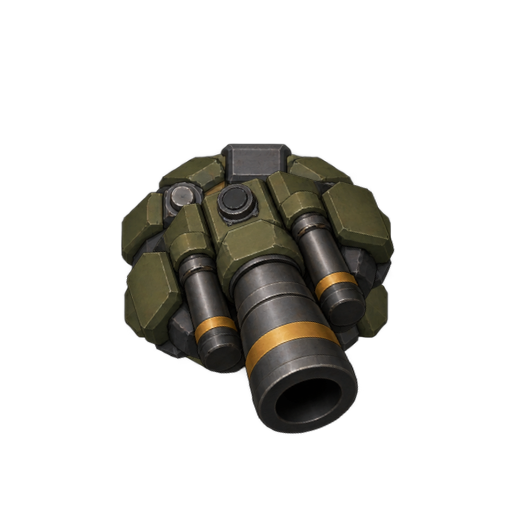
Fires heavy shells from a single massive barrel. Impacts also affect enemies around the hit point; the tower needs more building space.
A bend close to the building zone lets the cannon engage heavy ground targets. Leave room for its larger footprint.
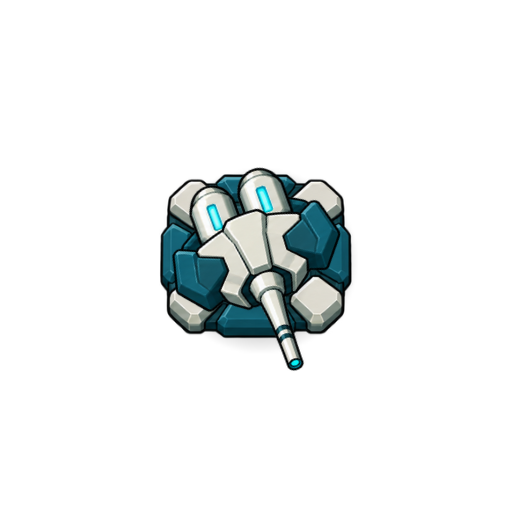
Keeps a gas stream on an enemy, gradually cooling and slowing it. Switches to other targets once sufficiently cooled and can extinguish burning enemies.
Placed before a Guntower, cooling keeps vehicles under fire longer. Plan carefully: fire cancels the cooling.
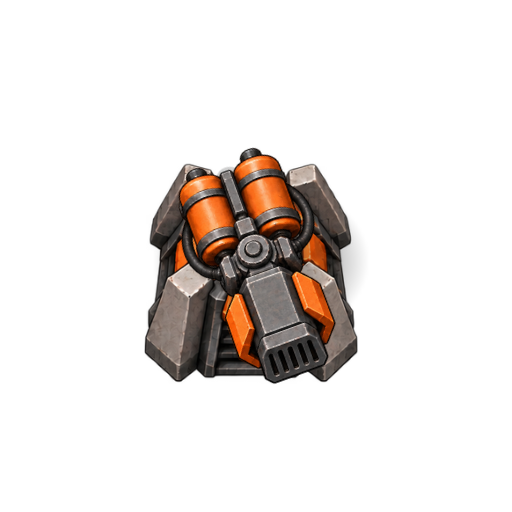
Bathes its target in flame and sets it alight. Burning enemies take lingering damage; fire thaws frozen enemies.
Ignite ground troops at a nearby passage. Use cooling deliberately, since it extinguishes the fire.
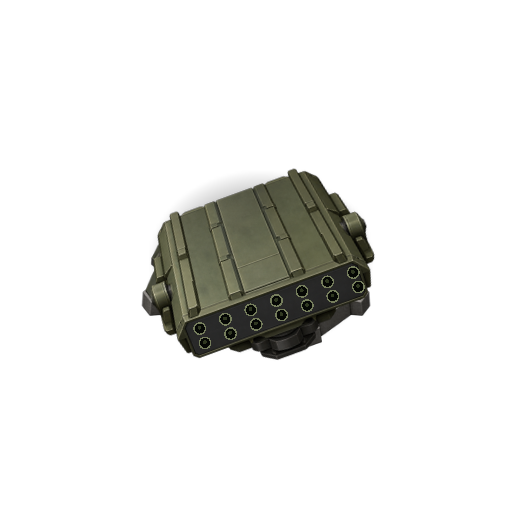
Fires its tubes in rapid sequence at a fixed target area. Unguided rockets land close together; upgrades add more tubes.
Aim the salvo at a busy area. The rockets do not track targets; tight groups suit them better than fast lone enemies.
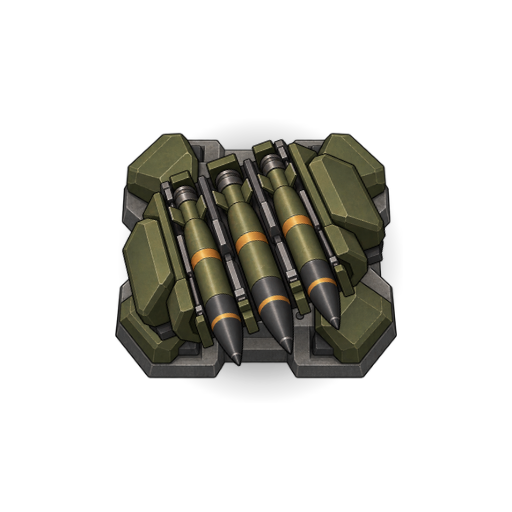
Launches large, unguided rockets in rapid sequence towards a distant target area. Recoil and lingering smoke accompany launches; the massive structure needs plenty of building space.
Cover a distant road section or approach. Support it with closer towers while it reloads.
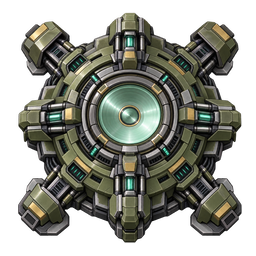
Visibly charges its pulse generator, then releases an expanding circular shockwave. Every moving ground or water enemy in range is pushed backwards along its own path, following curves and keeping its lateral offset, without ever passing its starting point. Light enemies are pushed farther than heavy ones; original resistance matters, not remaining health. Multiple enemies share the impulse. It deals no direct damage and does not affect aircraft or bunkers. Six upgrade stages improve its effect.
Unlock permanently in the Shop with a one-time payment of 5,000 Shop points. It then appears in the tower selection. Construction and upgrades are paid separately from your in-game balance.
Place it near a bend covered by other towers: it buys them time and pushes enemies back before they reach the exit. A single light enemy is pushed especially far; dense groups reduce the push per enemy.
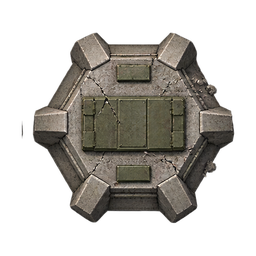
Some maps contain fixed enemy bunkers in building zones. They neither move nor attack. Destroy them to reclaim the occupied space for your defence.
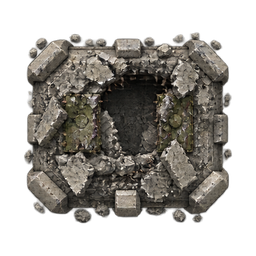
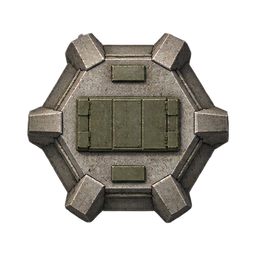
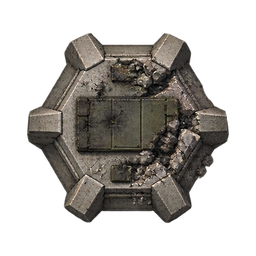
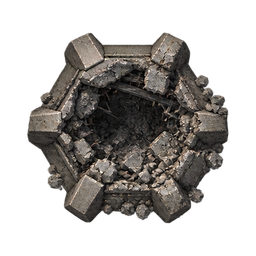
Original game artwork viewed from above. All four types are passive ground targets: they do not fire back, but occupy a building zone. Their durability differs; the rules are the same.
Each destroyed bunker grants game currency once: 2,500 for a light bunker, 5,000 for a combat bunker, 7,500 for a heavy bunker and 10,000 for a fortress bunker. The reward is credited immediately to your balance in the current game, not the points shop. Loading a save does not award another reward for bunkers already destroyed.
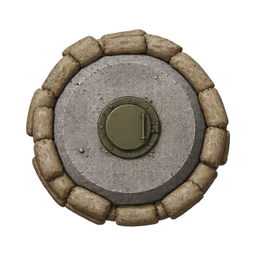
The most compact position and the quickest of the four to clear. Reclaim its building zone for your own defence.
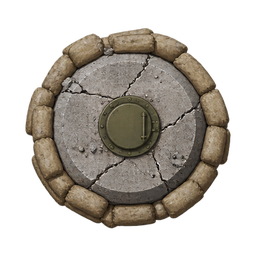
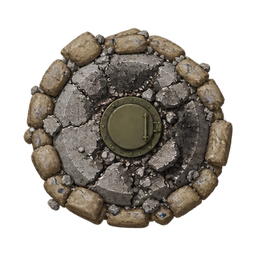
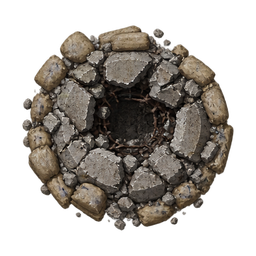
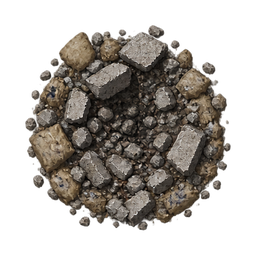
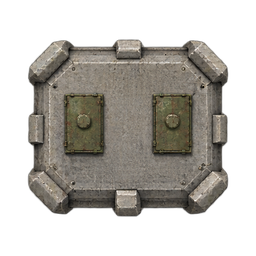
Twice the durability of the light bunker. Start clearing it early if you need the occupied zone for upcoming waves.
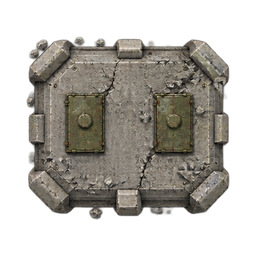
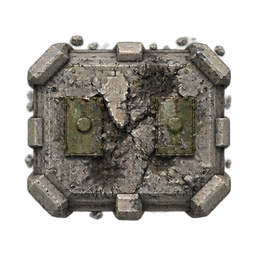
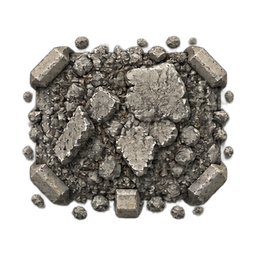
A particularly tough position. Maintain coverage of the road while available towers gradually break it down.
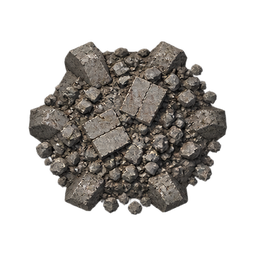
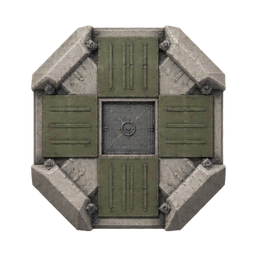
The toughest of the four positions. Clearing it takes patience and a layout that covers both enemy traffic and the occupied zone.
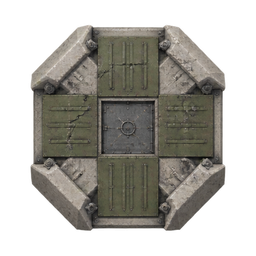
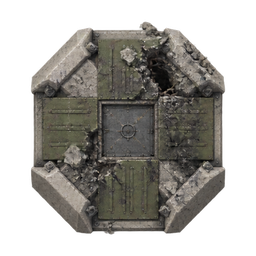
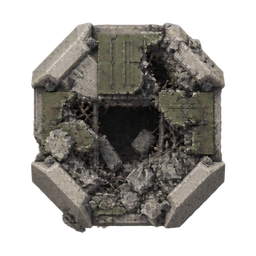
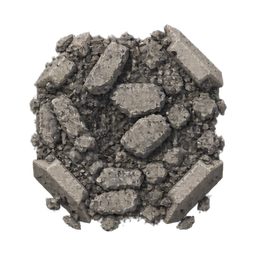
Five visible states change the artwork as damage accumulates. At 25% condition or below, the bunker emits smoke. At 0%, the destroyed artwork appears during collapse; the building zone becomes available after removal.
Building and upgrading cost money. You cannot build a tower you cannot afford. An unsuitable tower can be sold through its menu: after confirmation it disappears immediately. You recover 50% of the construction and upgrade costs paid, rounded down to whole dollars. Sell carefully: the gap in your defences opens at once.
Play starts or resumes the simulation. Pause stops the action so you can review your positions; construction timers stop too. The sound button toggles effects. After a wave, the save status tells you whether a checkpoint was saved. At the end, return to the maps through level selection. Sir, watch for weak spots, adjust your priorities and hold the line.
Items are used once. A heart takes effect immediately; drag combat items from the right-hand menu onto a ground or water path. A small lateral offset is allowed. Items cannot be placed on air paths. Pausing stops fuses and incoming items until you press Play.
Normal explosions share their total blast power among the enemies hit within the radius. They do not hit aircraft. The nuclear bomb is the exception: it affects all enemies that have already started across the whole map, including aircraft. Current prices appear in the game and are paid with virtual game currency.

Immediately adds one life. No map placement is needed. It does not repair towers or undo enemies that have already escaped.
Build a small reserve before a difficult wave when you have few hearts left.

Remains visible where you place it. Contact with an eligible enemy triggers an explosion that also hits other enemies within the blast radius.
Place it at a choke point before an approaching group. First contact triggers it; it does not wait for the strongest enemy.
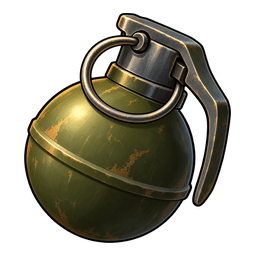
Explodes two seconds after placement, hitting enemies around that point. It does not track a target; its fuse only runs while the simulation runs.
Place it ahead of an approaching group. Allow for the delay so enemies are still in range when it explodes.
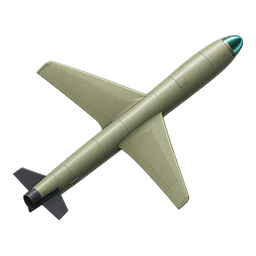
Flies to your chosen point on the path and explodes there, affecting the surrounding area. This item has a fixed destination and does not follow an individual enemy.
Aim ahead of a group at a section it will reach during the flight. An empty impact still consumes the item.

Falls onto the selected point and causes a broad explosion with smoke and a brief camera shake.
Use it when several enemies pass through the same area close together.
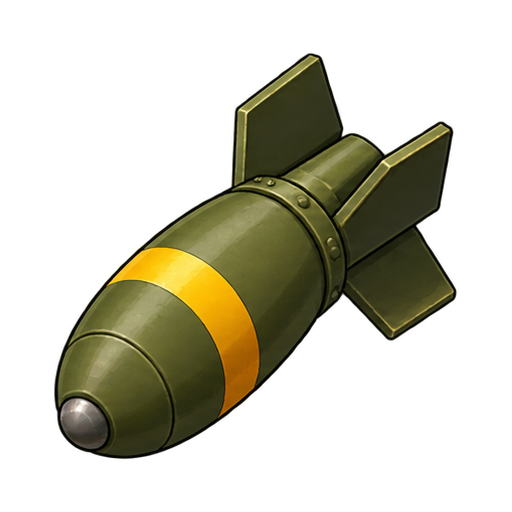
A larger version of the small bomb, with a wider blast radius and more blast power. Its effect is still shared among the enemies hit.
Use it against wider groups or at a junction where enemies on several paths are within the same radius.
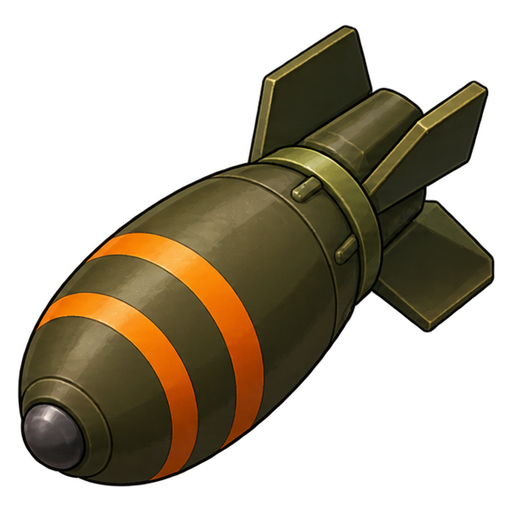
The strongest conventional bomb covers an even larger area. It detonates powerfully at the chosen impact point.
Wait for a crowded target area. Enemies outside the explosion and aircraft remain unaffected.
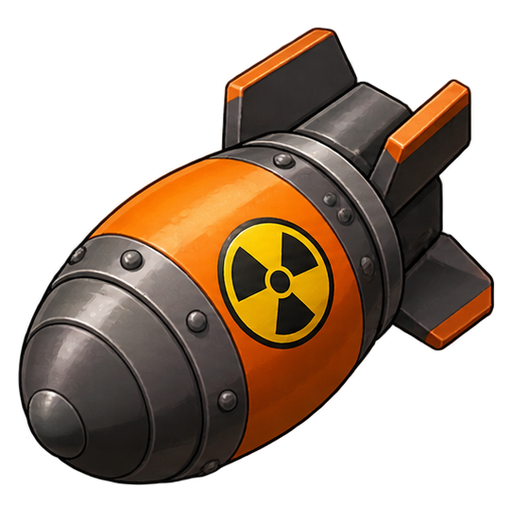
Releases a huge shockwave and mushroom cloud. All enemies that have already started anywhere on the map at the moment of impact are eliminated regardless of resistance, including aircraft and ships outside the visible view. Enemies starting later remain.
An emergency option when enemies are about to break through. Timing matters: it affects enemies present at impact, not every remaining spawn in the wave.
Your towers can take damage. The filled ground ring shows their condition: green means healthy; as condition drops, the ring shrinks and changes through orange to red. The tower menu also shows the exact percentage.
Armed enemies such as soldiers, motorcycle sidecars and tanks can fire once during their deployment at a tower randomly selected when they start. They must be within 300 pixels. Tanks turn their gun toward the target; muzzle flashes, projectiles and impacts make enemy fire visible. Regular motorcycles are unarmed. If the enemy is destroyed first or its target is sold, the shot is cancelled.
At 0%, a tower is temporarily out of action. It automatically returns to full condition after three minutes of active game time. Pausing freezes repairs. Wave checkpoints save condition and remaining repair time; older saves without these data start towers at 100%.
The ten included maps can be played offline after installation. Further maps require publication, a compatible game version and, where applicable, a usage unlock. For an available map update, the game shows the download size and offers three choices: download, play the old map for now, or cancel. An installed update becomes active after restarting; the previous map remains available during download.
Watch for the save confirmation after a wave. Local saves and optional cloud backup through a verified linked account are separate features. Without a configured backup, recovery after uninstalling, data loss or a device change is not guaranteed. Follow the instructions of the actually published distribution source when updating; do not rush to uninstall the existing game.
For release plans, usage rights, five years of online service for new purchases and contact details, see Usage rights and help.